I cannot select my 360° media on Android
Try the following things :
- Ensure that you granted ReShoot 360 to access your storage, check in Android settings “Settings > Apps > ReShoot 360 > Permissions”.
- Disable “360°” filter in the top-right menu.
- Ensure that your 360° media is in folder “Movies” or folder “Pictures”.
- If you plug a SD card, ensure to restart a scan to refresh the media list.
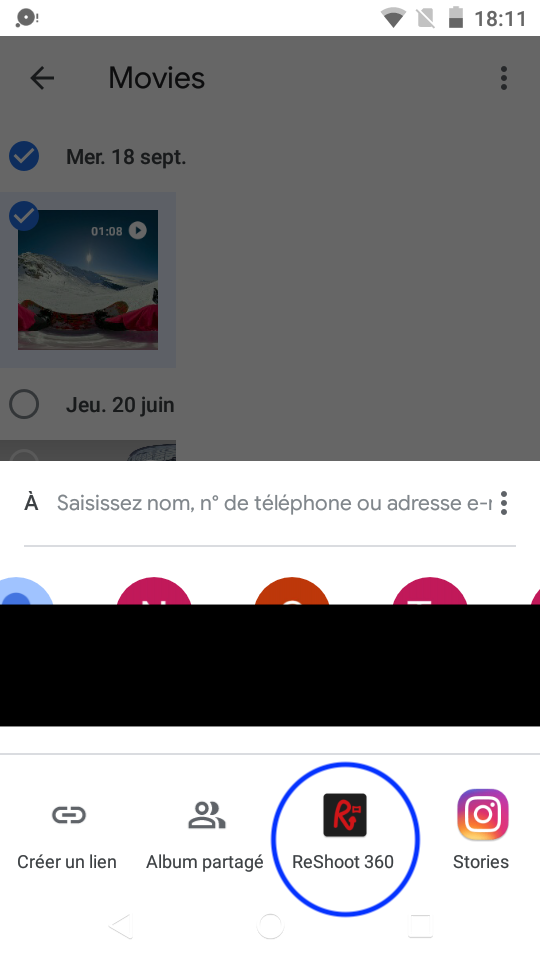
If you still cannot select your 360° media, go finding your 360° media with your camera app or with Photos albums, it depends on the 360° camera you have. Use “Share” button and select “ReShoot 360” in the horizontal list at the bottom.