Photo editor tutorial
Use the photo editor to create a photo from a 360 photo or a 360 video.
Tuning
The tuning screen is accessible through the menu.
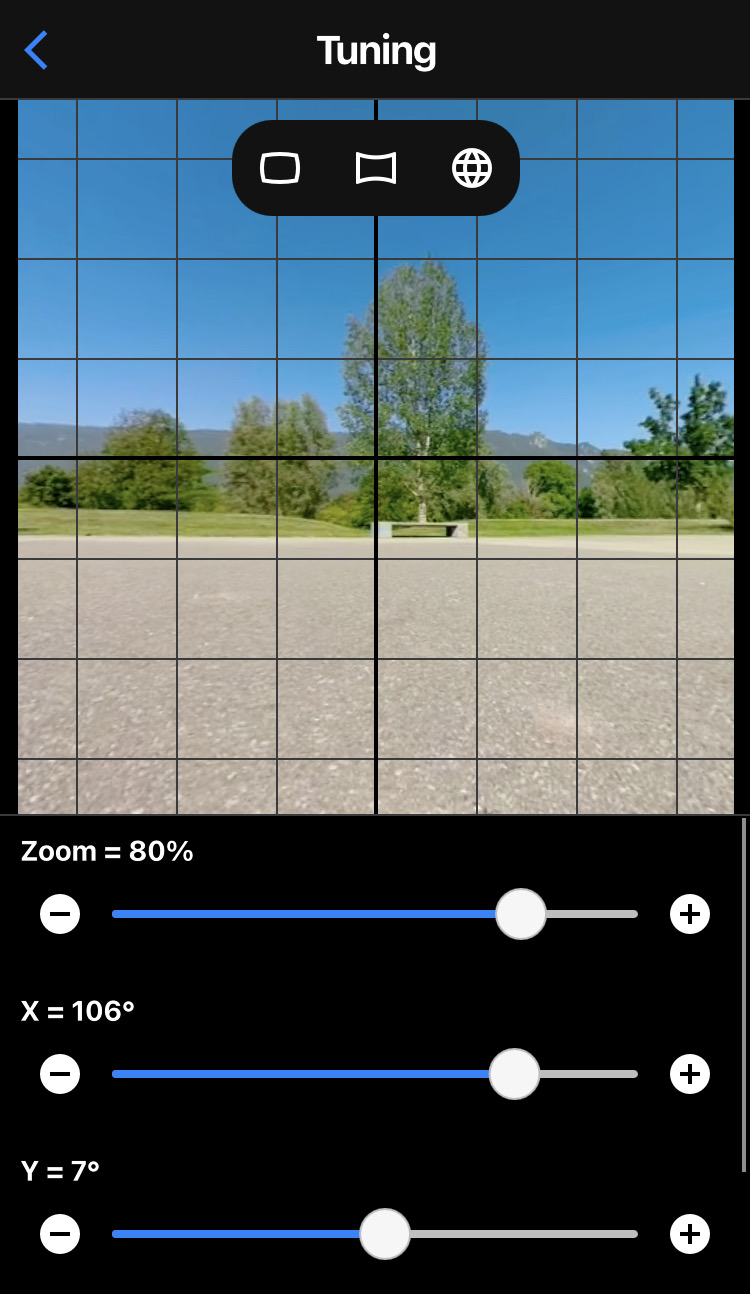
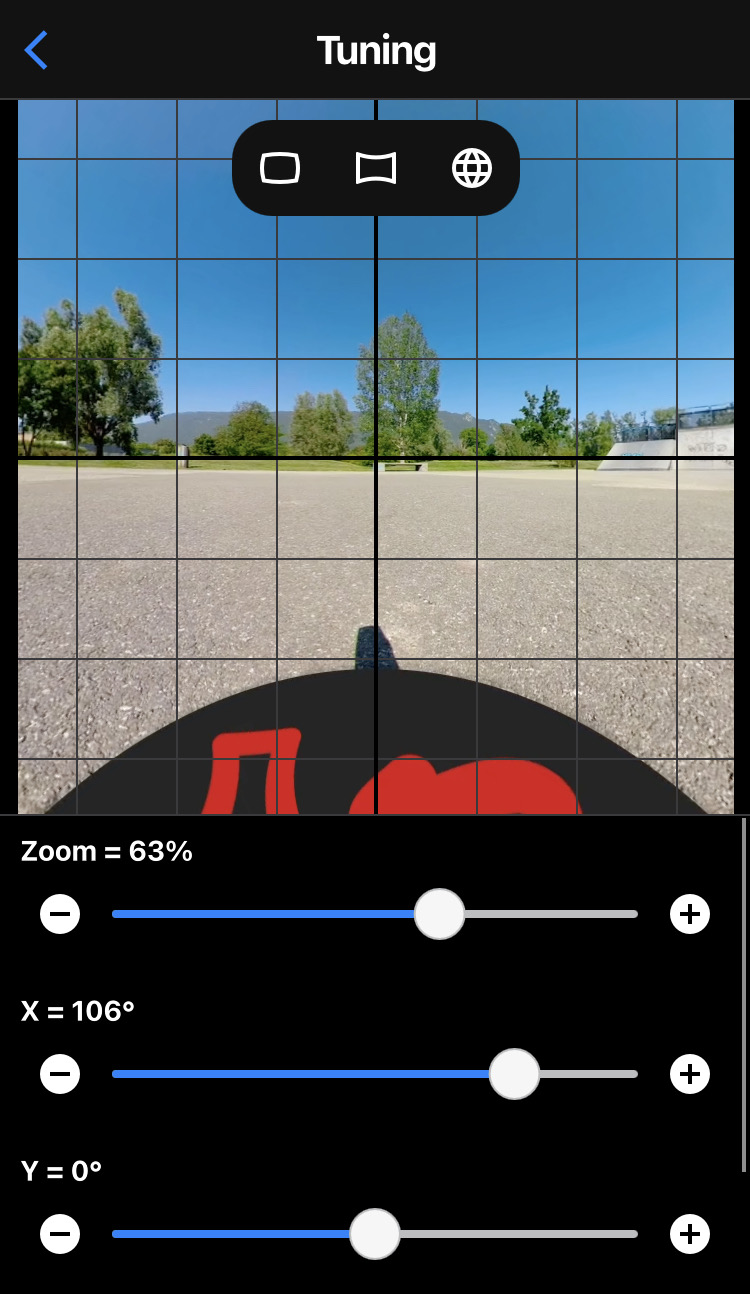
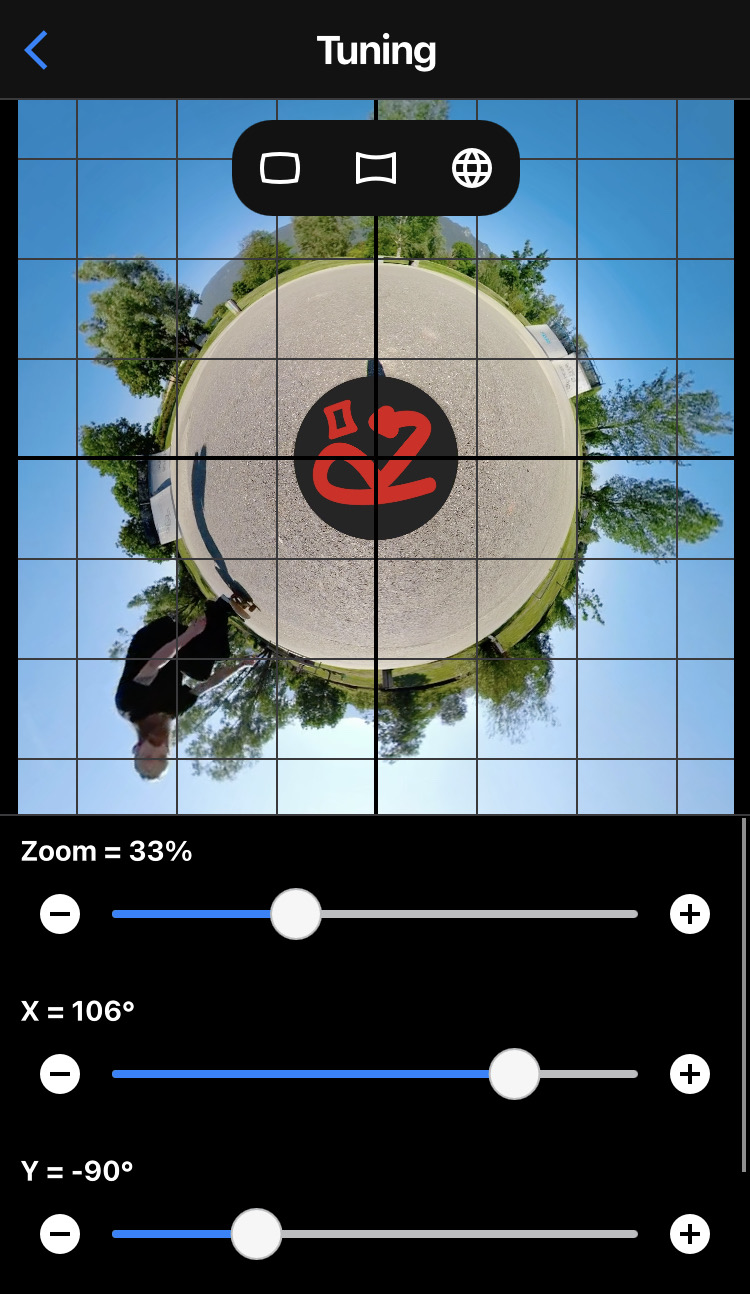
Use sliders to change camera parameters : Zoom, X, Y, Z.
Buttons – and + allow to set more precisely the value.
Buttons on the top of the live preview are shortcuts to automatically set camera parameters : Normal, Wide Angle, Little Planet.